
How To Redeem Your VIP Pass
5 Easy Steps!
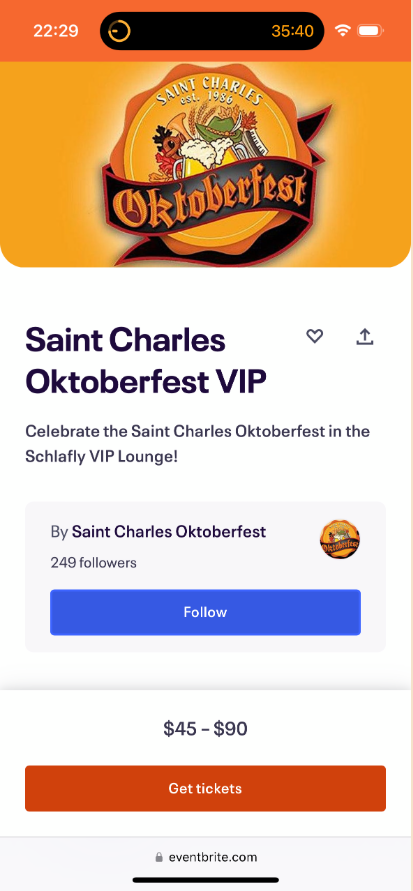
Step 1 – Select “Get Tickets”
Visit our Eventbrite VIP page by clicking here, then selecting the ‘Get Tickets’ button
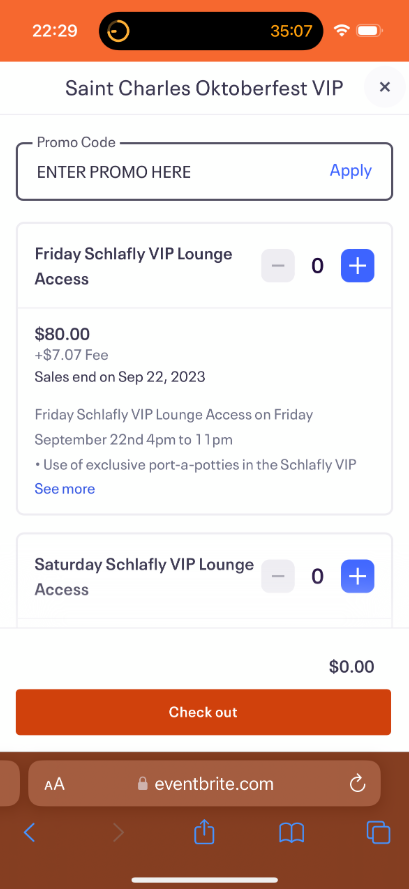
Step 2 – Enter Promo Code
At the top of ticket screen enter the promo code you were given & click ‘Apply’
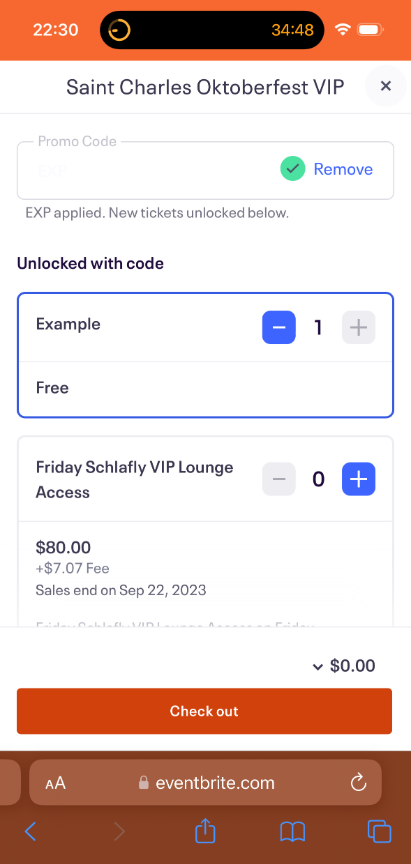
Step 3 – Redeem Tickets
Choose the number of tickets from the first option ($0.00), then select ‘Checkout’

Step 4 – Complete Order
Enter the information for the ticket holder, confirm age, then click ‘place order’
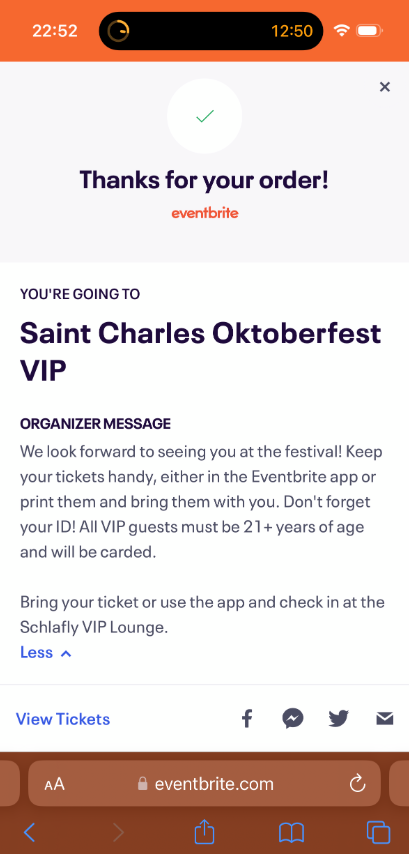
Step 5 – Save Tickets
Tickets will be sent to the email provided at checkout, save them to present at the event